How to Generate Free NGN Invoices and Rate Cards Using MyRate.Africa
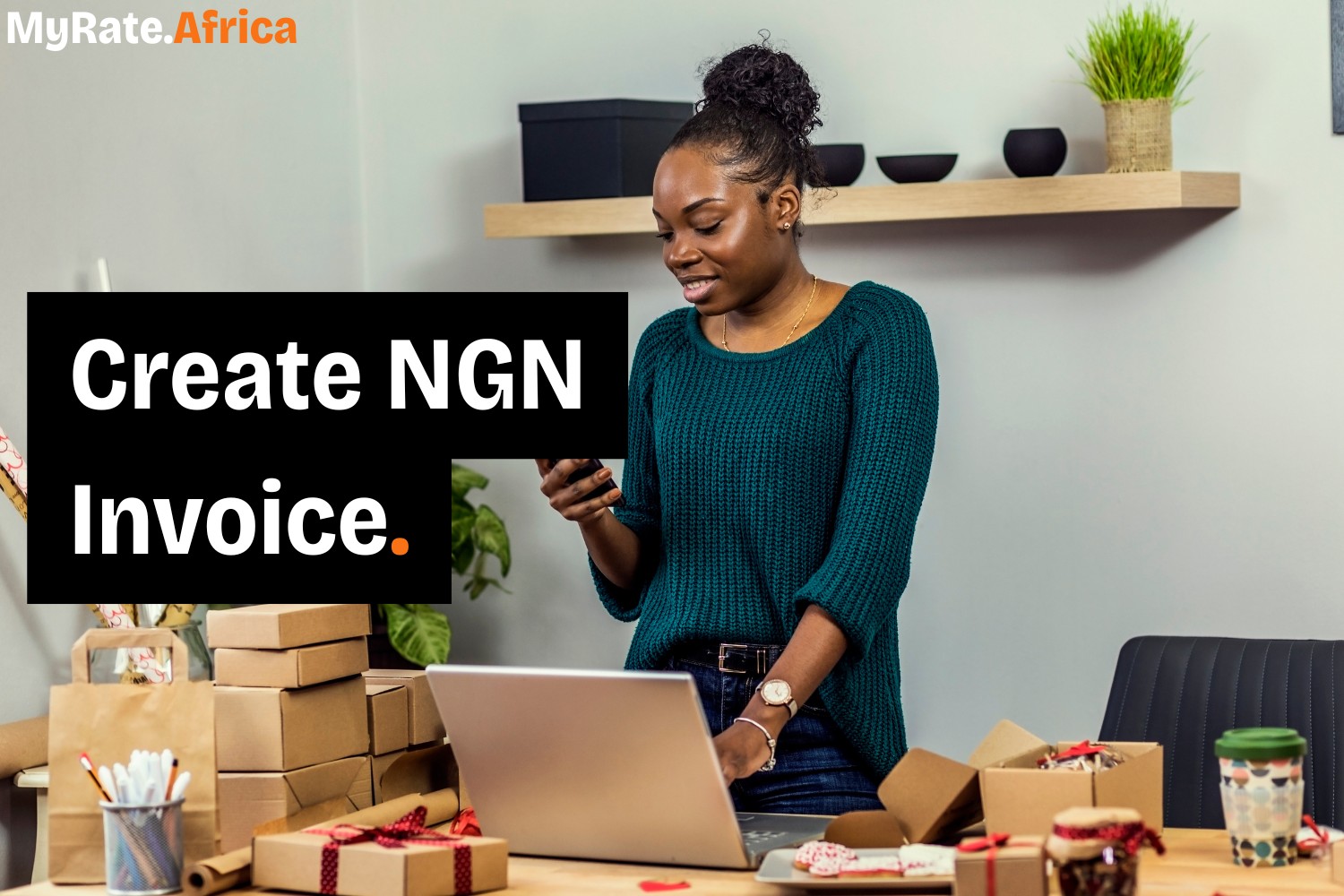
For creators and freelancers in Nigeria, clear pricing is often the difference between smooth payments and long delays.
Many brands expect prices and invoices to be stated in Naira. When currency is unclear, approvals slow down and follow-up messages increase. Using NGN from the start helps remove confusion and keeps the process simple.
This guide explains how to create both a rate card and an invoice in Nigerian Naira using MyRate.Africa.
Why NGN pricing matters for Nigerian creators
Local brands prefer documents in Naira.
Clear NGN pricing helps:
- Avoid conversion questions
- Speed up internal approvals
- Set clear payment expectations
- Reduce back-and-forth after work is done
When prices are clear, payments move faster.
Creating an NGN rate card
A rate card is used at the pricing stage, before any work begins. It shows brands what you offer and how much each service costs.
1. Start with the rate card tool
Open MyRate.Africa and select the rate card generator. You can begin immediately without creating an account.
2. Add your basic details
Include your name or brand name and a contact method such as email or WhatsApp. This tells brands who the rate card belongs to.
3. List your services clearly
Add the services you offer, such as sponsored posts, reels, videos, or campaign packages. Keep the list simple and relevant.
4. Select NGN as your currency
Choose Nigerian Naira so your pricing is clear and local.
5. Download and share
Generate a clean PDF that can be sent directly to brands by email or WhatsApp.
Creating an NGN invoice for payment
Once work has been completed or approved, an invoice is used to request payment.
1. Open the invoice generator
Switch to the invoice option on MyRate.Africa.
2. Enter sender and client details
Add your name or business name and the client’s name. This helps the invoice pass through finance checks without issues.
3. Add services and amounts
List the work delivered along with the agreed prices.
4. Set dates and confirm NGN
Include the invoice date, due date, and confirm Nigerian Naira as the currency.
5. Generate the invoice PDF
Download the invoice and send it to the client for payment processing.
Who this works best for
This setup is ideal for:
- Content creators working with Nigerian brands
- Freelancers invoicing agencies or companies
- Creators who want clear, local pricing
Everything stays simple and easy to understand.
Final note
Clear pricing starts with a proper rate card. Timely payment depends on a proper invoice.
If you work with brands in Nigeria and want a free, simple way to generate NGN rate cards and invoices, MyRate.Africa gives you the tools to do both quickly and professionally.
Start billing in Naira (NGN)
Need a professional invoice for a Lagos or Abuja brand? Generate your Rate Card or Invoice in NGN instantly.
Create Free NGN Document →